Fully offline after download
3D models, narrated audio and quizzes live on the iPad. Planes, trains and dead Wi-Fi are fine.
Real 3D models you can rotate and open up. Tap a part and it explains itself — what it is and why it is built that way. Finish one and the next curiosity is already waiting.
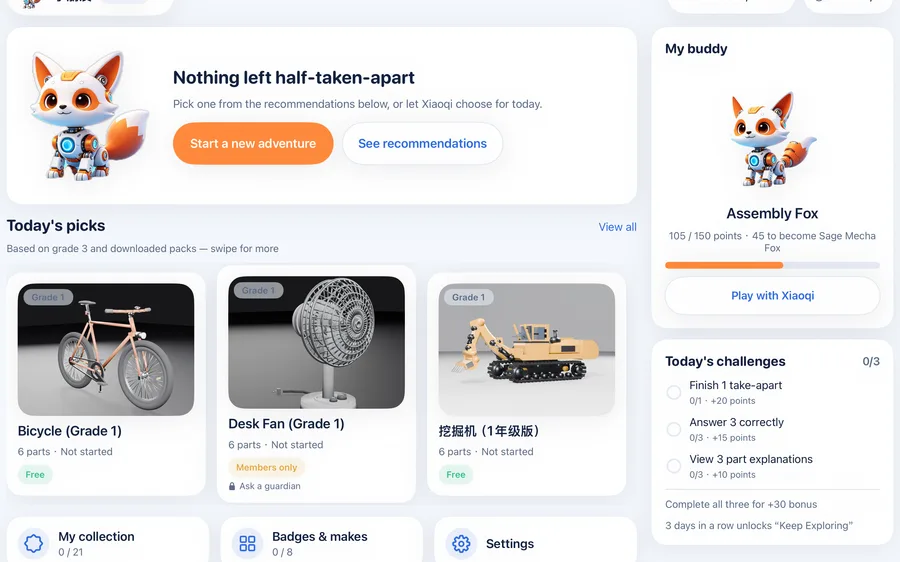
Parents rarely ask "how many features does it have". They ask what their child is actually doing on the screen. We built those answers into the product, not into the marketing copy.
3D models, narrated audio and quizzes live on the iPad. Planes, trains and dead Wi-Fi are fine.
A gentle break prompt appears after 15 minutes of continuous use. The interval is adjustable and can be turned off.
Set a daily time limit, hide specific items, choose the grade level. When time is up, the kid side locks itself.
No ads, external links, social features, location or top-up entries on the kid side. Locked content simply says "ask a parent".
No manual needed. Within the first minute, a child has already taken the first part off.
Recommended by school grade: fewer parts and shorter text in grade 1; brakes and drivetrain in grade 6.
Drag to rotate, pinch to zoom, step through the exploded view. Parts snap back into place for instant feedback.
Tap a part to hear its story from local audio, then try a question about how it works.
Finished items join your collection, unlock achievements, and grow Xiaoqi from a hatchling into a star fox.
No bloated feature list — the effort goes into taking things apart properly.
Every object is a part-based 3D model: rotate, zoom, step-by-step explode, highlight, reset. Parts are kept between 5 and 15 per grade so tapping stays accurate and smooth.
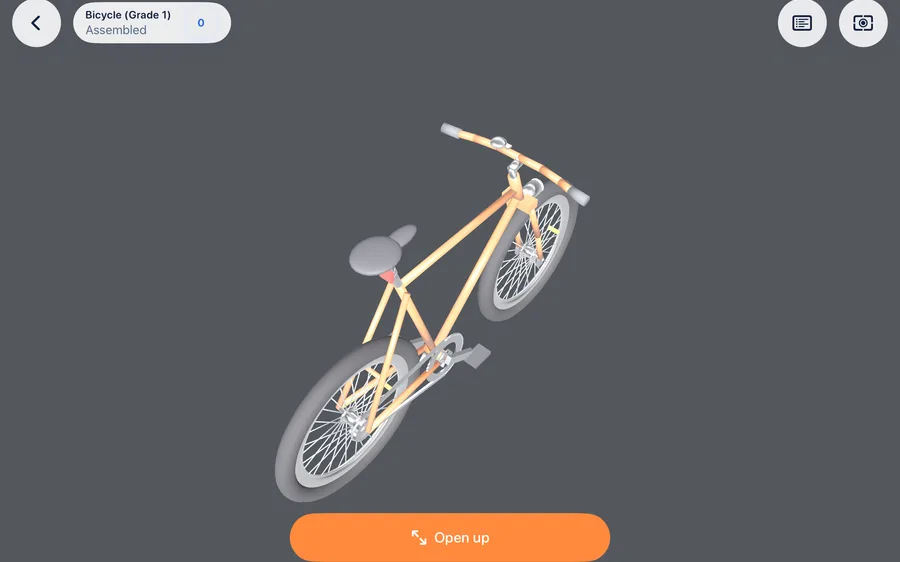
The same car exists as six separate grade editions: in early grades parts are merged and descriptions run 18–32 Chinese characters; by grade 6 the brake system is split out and text runs 50–85 characters, explaining principles rather than names.
Example shown for the car; the bicycle and the desk fan also ship with six grade editions.
Every part comes with local audio and a card. Correct answers earn growth points; wrong answers replay the explanation. Re-answering a question you already solved does not earn points twice.
3 objects × 6 grade editions = 18 content packages. Each edition is a separate product, recommended by the child's school grade.
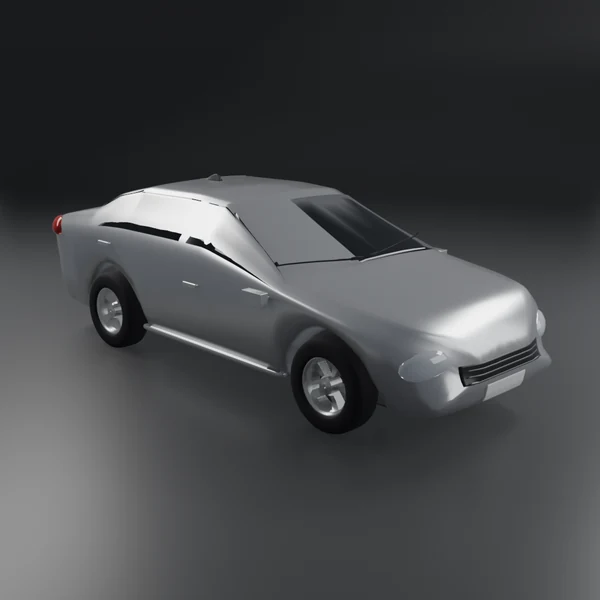
Where the power comes from, how it turns, why brake discs matter. Grade 6 splits the braking system out on its own.
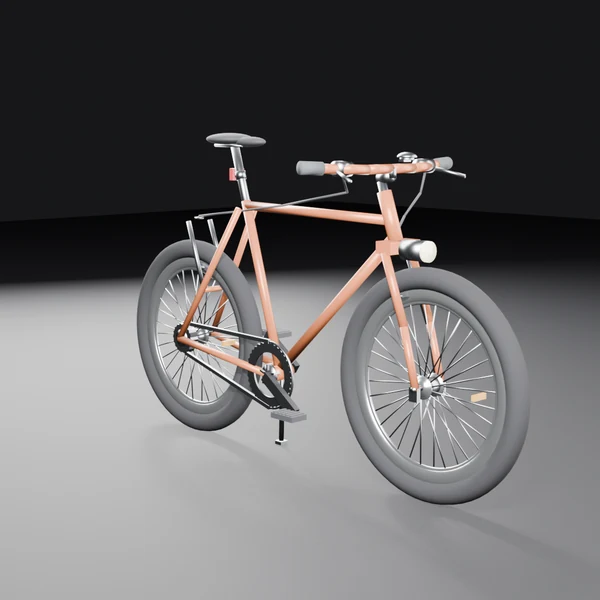
How the chain passes your effort along, why brake pads wear down. The grade 6 edition has 15 parts to open up.
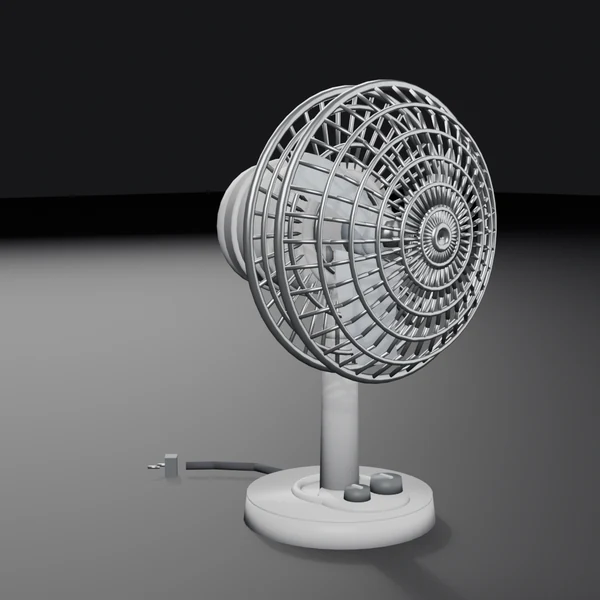
Where the airflow comes from and what makes the head oscillate. Few parts, clear structure — a good first deconstruction.
More content keeps arriving: operators replace a model, register a new version, and the app prompts for the update — no reinstall needed.
Open it, understand it, answer it, collect it, grow. Every step gives immediate feedback, so the child knows what just happened.
Xiaoqi is the companion on the kid side: it reacts when touched, offers hints when a child is stuck, and remembers what has been learned. Growth points come only from learning — petting earns nothing.

Joint covers are still missing and the chest core glows faintly. It needs you.
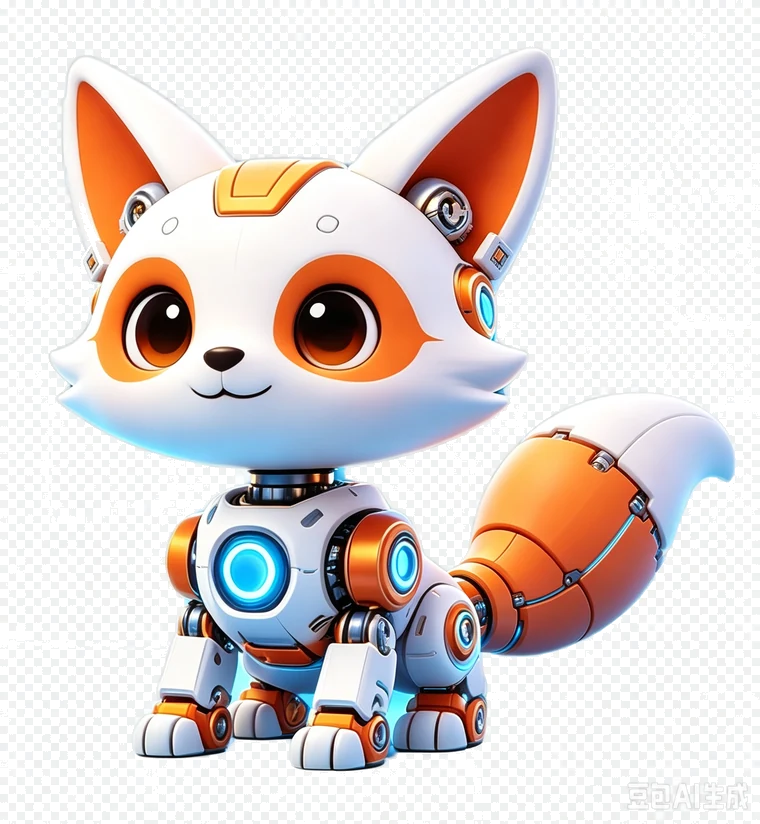
Ear modules and joint covers are fitted. It greets your child by name.
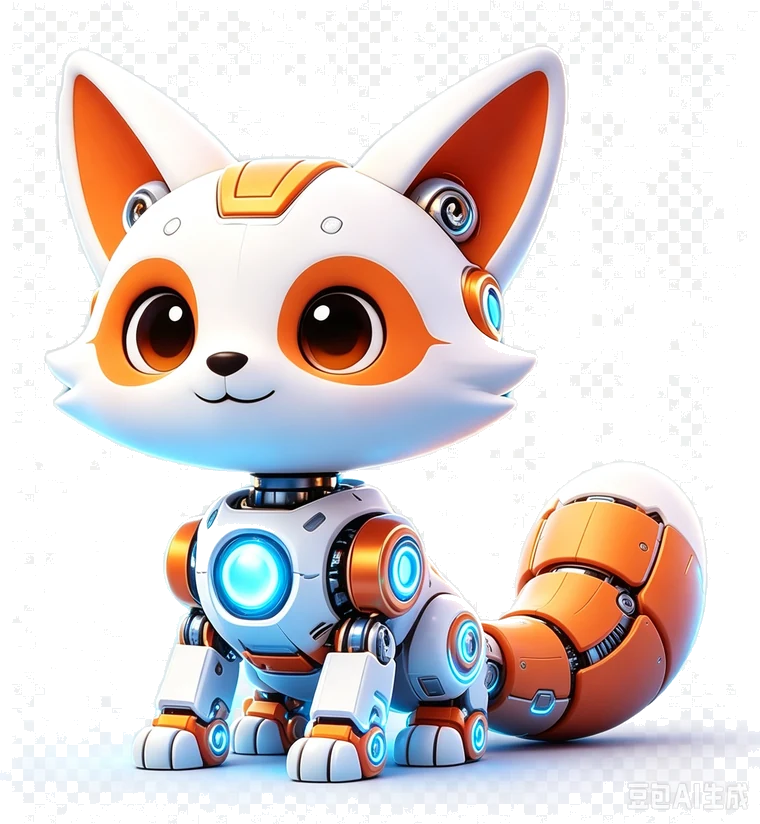
Fully assembled. It checks in, sets little quizzes and gives step hints.
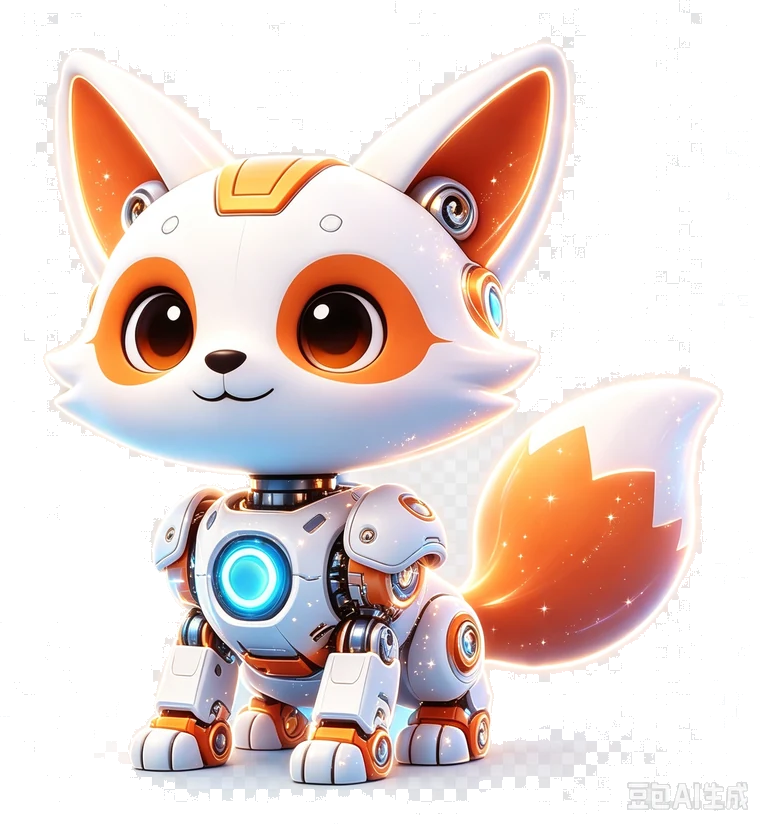
Starlight particles, learning recaps, next-object suggestions — and old looks to switch back to.
Parents can switch Xiaoqi off entirely; learning, quizzes, the field guide and growth points keep working.
The kid side contains no prices, no ads and no social features. What parents need sits behind a verification gate.
Sessions and learning time this week and this month, knowledge-point coverage, per-session quiz accuracy, and a data-generated comment. Exportable.
Daily time limit, grade-based content levels, hidden items, mandatory eye-rest breaks. When time is up the kid side locks; the parent side stays open.
One parent account can hold several child profiles (at least 3). Collections, badges, progress and reports are stored per profile; membership and orders belong to the account.
No real names, birthdays, schools, photos or locations are collected. No social or upload features. Anything paid passes a parent verification first, and account deletion has a 7-day cooling-off period.
All six bicycle packs (grades 1–6) are free forever and fully explorable. When your child wants more, get the Explorer Pass — all three tiers include exactly the same content; they differ only in term and price.
Standard ¥28 / monthFirst-term ¥8 / month
Standard ¥68 / quarterNo first-term discount
Standard ¥228 / yearNo first-term discount
All three tiers are identical: while the pass is active you can open every paid pack — there are no content tiers and no single-item purchases, so you never pay twice for the same item.
First-term offer: the monthly ¥8 first-term price is available on the China mainland storefront only and is set by the App Store for the signed-in account; quarterly and yearly passes have no first-term discount. The price shown inside the app is authoritative.
Renewals and refunds: subscriptions go through Apple In-App Purchase; auto-renewal can be turned off any time in system Subscription settings. The purchase page offers "Restore Purchases". Prices shown in the app are authoritative; regional prices follow App Store price tiers.
None of these prices ever appear on the kid side — money only exists in the parent area.
Grades 1–6 (roughly ages 6–12). Content ships as separate grade editions: fewer parts, shorter text and slower narration early on; finer detail and principles in later grades. The grade can be changed by a parent at any time.
After a content package is downloaded it works fully offline — 3D models, narration and quizzes are stored on the iPad. Only sign-in, store listings, downloads and progress sync need a network.
No. The kid side shows no prices, ads or marketing pop-ups; locked content just shows a lock and "ask a parent". Every purchase happens in the parent area behind parent verification.
One parent account supports at least 3 child profiles. Collections, badges, progress and reports are kept per profile; membership and orders are shared across the account.
A gentle break prompt appears after 15 minutes of continuous use (adjustable), and parents can set a daily limit that locks the kid side when reached. Learning results are never lost.
iPad, best in landscape. iPhone and Android are not on the roadmap for this version.
The app is in final acceptance on iPad. Leave your contact details and we will send installation instructions when the beta opens.
Beta contacts are used only for testing and feedback — never for marketing.